Category Archives: AVR Microcontrollers

About Atmel ATMega, Attiny projects

AVR GCC LCD library allows connecting pins in any order

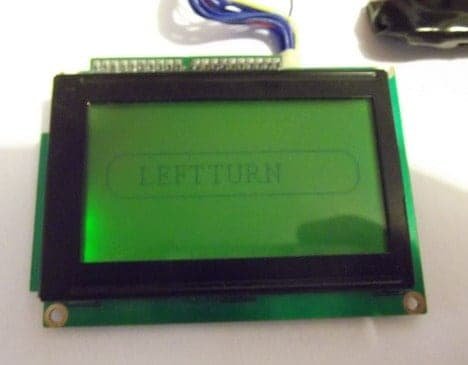
Probably some of you are struggling in finding a proper LCD driver that would work on any circuit. Just wanted to point out that I found some time to improve my current LCD library so it would support a mixed pin connection case. Earlier you had to connect LCD in pretty strict way where pins had to be aligned and connected to single AVR port. Sometimes this can’t be done due to various reasons – you want to use those pins for other alternative functions or simply you want to trace your PCB better etc.

In this updated version of library there are two more modes added : LCD_4BIT_M and LCD_8BIT_M that allow controlling LCDs either in 4 or 8 bit mode but with any pin connection layout. So data pins and control pins can be connected to any pin number and any port. Couple examples should give some clue on how to start using it. If you used this library for some project you only need to modify header file while project source code can remain same. Download LCD library here.

FreeRTOS on AVR with external RAM

AVR microcontrollers aren’t best choice to run FreeRTOS scheduler due to low RAM. Atmega128 has only 4K of RAM memory, so this limits FreeRTOS functionality to very basic. Anyway this can be solved by adding extra RAM connected to external memory interface. We have already implemented external memory block of 8K previously so now we can muck around.

Lets continue with our previous code having several simple tasks (button state reading, LCD output and LED flash), and add more to it. We are going to set up external RAM for storing heaps. This will allow to store large data buffers without worrying of heap and stack overlap. Continue reading

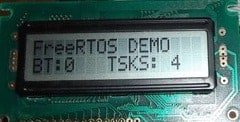
Running multiple FreeRTOS tasks on AVR

In previous post we just run a single task. Running RTOS with single task has no meaning at all. This can be easily done with conventional program. But what if we need to have more separate functions. To execute them at exact timing would require separate timer or interrupt. But microcontroller cannot guarantee an interrupt for every tasks. This way it is hard to make code modular and testing can be painful. Using RTOS solves this kind of problem. It allows programming each task as endless loop. Kernel scheduler takes care of assuring each task gets it’s chunk of processing time. Additionally it does bearing the priority systems – more important tasks are executed prior to less important ones.

Let us go further with our example code and add more tasks to our FreeRTOS engine. We already have LED flashing task that toggles LED every second. Additionally we are going to create another task that checks button state. Also we are going to send some information to LCD. As always lets take care of drivers for all of them. Continue reading

Using FreeRTOS kernel in AVR projects

FreeRTOS is known as Real Time Operating System. Probably it would be too dare call it real-time-os, rather a real time scheduler where applications can be split in to independent tasks that share full processor resources by switching them rapidly it looks like all tasks are executed in parallel. This feature is called multitasking.

There are lots of debates on using RTOS on AVR microcontrollers as they are arguable too small for running scheduler. The main limitation is small amount of ram and increased power usage. If you are gonna use lots tasks in application, probably you will run out of ram that is used for saving context when switching between tasks. Consider FreeRTOS only if you use larger scale AVRs like Atmega128 or Atmega256. Surely you can find smaller schedulers that are specially designed for smaller microcontrollers even tiny series. In other hand if you master FreeRTOS it can be used with multiple types of microcontrollers like ARM, Cortex, PIC and multiple compilers including IAR, GCC, Keil, Rowley, Attolic. And main reason to keep eye on it – its free.

Probably it would take lots of time and space to go through RTOS theory. Some great information can be found on FreeRTOS website itself. In this series of posts we are going to focus on practical side of using RTOS on AVR microcontroller. We will go through several steps from single task application to more complex solutions. Continue reading

Fresh microcontroller projects from Cornell University ECE 4760

It’s a tradition each spring to keep checking for a new batch of microcontroller projects from Cornell University ECE 4760 class. And here they are – 31 new project with new ideas and designs.

They are still using WinAVR/GCC programming tools for their projects. So it’s still good news for hobbies to search for code snippets, implementations. Among all projects you will find projects like portable automated web-based bird trapping mechanism, cool Rock-Paper-Scissors Sensor glove game or even human tracking fan system that should be useful in upcoming summer time. So take your time, and enjoy the great work collection.

Adding external memory to Atmega128

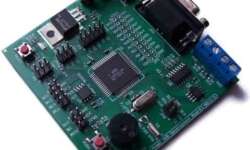
Atmega128 is equipped with internal 4Kbytes of SRAM memory. Is it enough? Well it depends on what project it’s gonna hold. If your project must deal with loads of data or run larger RTOS code you will definitely run out of RAM pretty soon. Atmega128 microcontroller has an external memory interface built in, which allows to expand RAM up to 64 Kbytes. With that you could do much more, isn’t it? To test things out I used Piconomic Atmega128 development board. Which has a XMEM interface header brought out. All we need is to make XMEM expansion board with some SRAM memory.

I’ve chosen standard 8Kx8 (8Kbytes) memory chip from Aliance memory Inc. I could use 64Kx8 but this is what I had at the moment. To drive memory chip I’ve used 74HC573 non inverting latch. As you may know latch is used for pins that share same pins for address and data buses. In order to access SRAM contents we need to select 16 bit address that points to 8 bit data cell in chip. As we are using 8Kx8 memory chip we are going to use only 13Address lines. Microcontroller has dedicated pins for that: Continue reading

Arduino introduces new boards – Uno and Mega2560

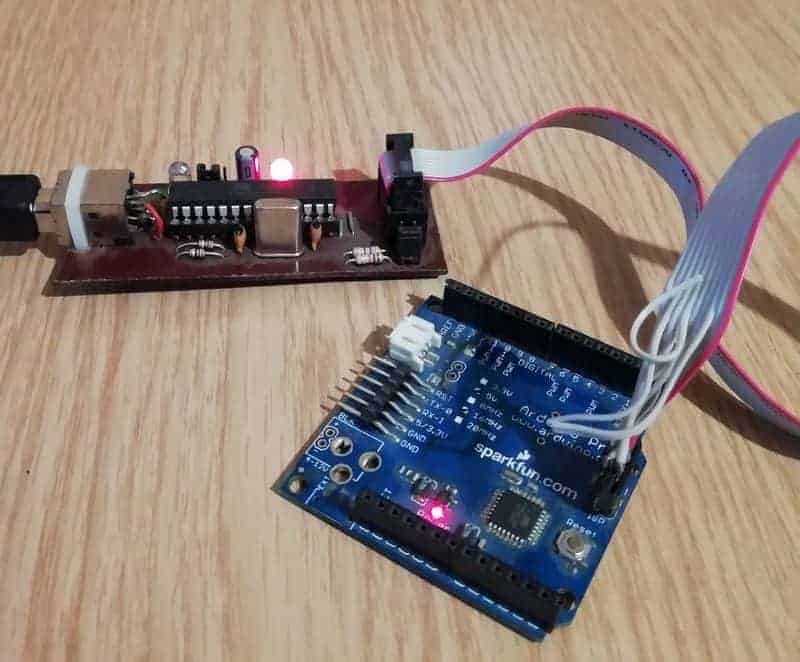
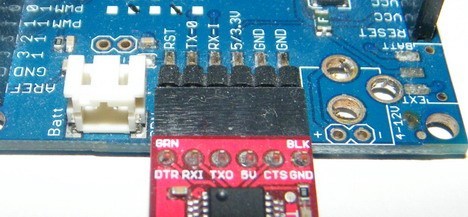
Arduino is well known platform among electronics hobbyists because of its simplicity, robust and intuitive design and ease of use even for non electronics enthusiasts. This time instead of introducing new PCB variants or different microcontrollers on board they made some significant upgrades in Arduino concept. New changes came with two new Arduino boards so called Uno and Mega2560. Probably biggest change is USB to serial converter. They decided to replace seemed to be hard positioned FTDI chip FT232RL with microcontroller Atmega8U2 that has hardware USB interface. With this upgrade Arduino board become much more flexible as microcontroller driver can be configured to be more that simple USB to serial converter. It also is able to convert Arduino to standard keyboard, mouse, MIDI and mass storage device. So, there is much more ways to use Arduino now.

But this is not over yet. Arduino decided to change bootloader too with new Optiboot firmware that brings some improvements as well. New bootloader occupies 1.5kB less code space leaving it for applications and loads firmware to flash faster. Continue reading

New project batch from Cornell University ECE 4760

It’s been a regular tradition every spring to check out on what’s new in Cornell University ECE 4760 final microcontroller projects. This year isn’t an exception. It seems that they started a 2010 list on new great AVR ATmega644 projects.

List is still building up but there already is a 20 project list with projects like Human Tetris, Glove Midi Controller, Talking Voltmeter and other. All projects are compiled with WinAVR/GCC tools – so everyone can take a glance and give a try. It’s a great list of projects starting from 1999 so there are tons of great interfacing examples, code snippets and even ideas for your new project. Keep eye on that lists as there are more to come (it always reaches about 40). Way to go ECE 4760!

Setup AVR Eclipse plugin to work with WinAVR

Probably many of you (including me) are using Programmers Notepad or AVR Studio to set up AVR projects. Each of them has advantages and disadvantages. For instance Programmers Notepad is great GUI, but there are lots of manual routines required to start compiling project – like setting up makefile, creating file dependencies, etc. AVR Studio is a great solution which generates makefiles automatically, and it has great simulator for immediate debugging. So why would we need another IDE? Actually Eclipse IDE is one of the best open source tools hat is widely used by programmers – so it is optimized for managing projects, code writing with auto-complete functionality. So why not to give a try for it.

avr_eclipse

So lets set up Eclipse environment to work with AVR. Firs of all lets download Eclipse from http://www.eclipse.org/downloads/ site. Choose Eclipse IDE for C/C++ Developers as we want program AVR in C. Open it (no need to install) then go to HELP->Install New Software… Click Add… and in the Add Site dialogue box enter URL where AVR Eclipse plugin is located (http://avr-eclipse.sourceforge.net/updatesite/ ) Continue reading

ScienceProg Forum has been closed!

Just a short notice to inform everyone, that ScienceProg forum has been closed. The decision was made because of small activity and lots of spam. We hope this decision won’t hurt anyone. Feel free to post subject related questions under blog posts here in scienceprog.com

Have a great time!

New on WinAVR Tutorial New on WinARM Tutorial